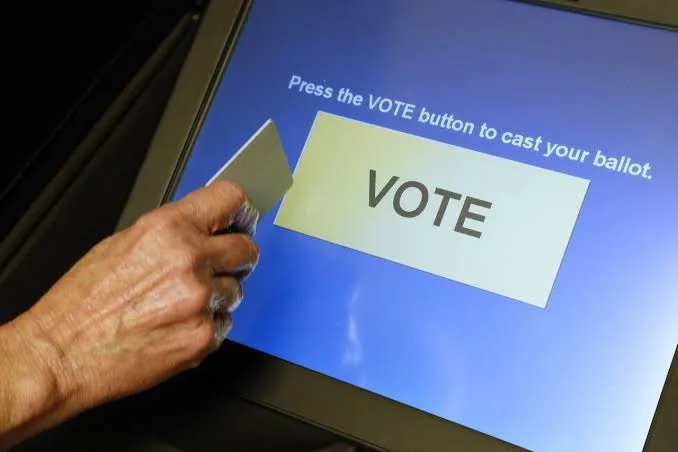
If you encounter calibration or display issues on a touchscreen voting device in Florida, local election officials recommend taking action before completing your ballot session.
How to Handle Touchscreen Issues at the Polling Place
- Review the Summary Screen: Most touchscreen units in Florida act as Ballot Marking Devices (such as ExpressVote or ImageCast). Before printing or submitting, inspect the summary screen carefully to ensure your intended choices are selected.
- Alert Poll Workers Immediately: If the screen misregisters a touch or freezes, notify a poll worker or precinct inspector on-site before finalizing the vote.
- Verify Your Printed Paper Ballot: Florida law requires a paper record. Check the printed paper output to confirm every selection matches your intent before feeding it into the optical scanner or depositing it into the ballot box. If the printed paper contains an error, ask a poll worker to spoil that ballot and issue a replacement.
Resources to Check Your Voter Status & Local Guidance
Specific voting regulations, ballot tracking tools, and equipment procedures are managed at the county level by your local Supervisor of Elections. Tel: (863) 534-5888
- Statewide Voter Lookup: You can verify your voter registration details or look up regional election resources through the official Florida Division of Elections Portal.
- County Election Offices: Contact details and county-specific information are available via the Florida Supervisors of Elections Directory or by calling the Florida Voter Assistance Hotline at 1-866-308-6739.
- Federal Voting Information: General guidance on voting systems and voter protections can be found at USA.gov Voting and Elections.
(Visited 5 times, 5 visits today)